

Time-blocking gives each study task a planned place in your day, and it works best when you leave room to adjust. We can use study routines to make a crowded week feel more manageable, without trying to fill every minute.
Classes, homework, work shifts, friends, and family can all compete for the same hours. Then a phone alert or one unexpected task can throw off your plans. A schedule should support learning, not turn your day into a race against the clock.
We’ll shape a plan around the commitments you already have, then make space for focused work, meals, and rest. You can start small and change the plan when real life gets in the way. A useful schedule should make your next step clearer, not make you feel behind before you begin.
Key Takeaways
- Give study tasks planned places in your day.
- Start with classes, work shifts, and other fixed commitments.
- Leave open space for changes and rest.
- Use a calendar or paper planner you already like.
- Adjust the plan when it stops helping.
What Is Time-Blocking, and Why Do Students Use It?
A time block is a planned calendar window for one task or a group of similar tasks. Task batching means grouping similar tasks into one scheduled work period.
A block gives a task a time and a place, unlike an open-ended to-do list. You might reserve a block for class, studying, lunch, or rest, then move on when that window ends.
Plan the work that matters, but leave space for the day to change.
An open task list can show what needs doing, but it does not show when you plan to do it. A calendar can make that choice visible before your day gets busy.
Benjamin Franklin described a day arranged around work, meals, reading, and reflection. Cal Newport helped popularize modern time blocking through Deep Work. Those examples offer context, not proof that a schedule works for everyone.
Students use the method to make time management more concrete. You can see where study time fits beside classes and other parts of life. The point is to decide what deserves your attention before the day starts deciding for you.
Does a Planned Study Day Help You Get More Done?
Time blocking can be a useful planning aid, but it is not a magic switch for better grades. It can help you protect time for focused work, but planning alone cannot guarantee academic success.
A planned study day can make priorities easier to see and reduce context switching, or bouncing between unrelated tasks. It can also set aside time for deep work, when you focus on a demanding assignment without checking every alert.
- Use a reading block to finish a chapter before switching to a problem set.
- Set aside time for a paper draft instead of waiting for a free hour.
- Keep course emails together, so they do not interrupt each study session.
A 2015 meta-analysis of online higher-education learners found a weak positive link between time management and academic achievement. The weighted mean correlation was r = .14, with a 95% confidence interval of .12-.16. That association does not show that planning by itself causes better grades.
Among 1,016 college students in China, structured time-management practices were associated with a lower likelihood of mobile-phone dependence. This finding also shows an association, not proof that time blocking prevents phone dependence.
Use the plan to support your work, not to judge your worth by how many boxes you check. Try it as a small experiment, then judge it by whether your study sessions feel more focused and manageable.
How Do Timeboxing, Task Batching, and Day Theming Differ?
If you want fewer switches between study tasks, batch the similar ones; if you need a firm stopping point, timebox one task. Each method changes a different part of how you plan your work.
Time blocking reserves a window, task batching groups similar tasks, timeboxing sets a limit, and day theming gives a day one broad focus.
| Method | What gets scheduled | Student example | Useful when |
|---|---|---|---|
| Time blocking | A time window for a task or group | Study biology from 10:00-11:00 | You need to reserve time |
| Task batching | A group of similar tasks | Answer course emails together | You want fewer switches |
| Timeboxing | A fixed limit for one task | Spend 30 minutes outlining an essay | A task expands or perfectionism slows you down |
| Day theming | A broad focus for a day | Tuesday for lab work | You have recurring weekly patterns |
Task batching groups similar small tasks
Batching fits inside a time block: you choose a window, then put related tasks inside it. For example, you might answer course emails, post to a class forum, and check assignment dates together.
This can reduce context switching, especially when each small task would otherwise pull you away from reading or writing. Keep the batch focused on tasks that use similar attention.
Timeboxing sets a limit for one task
Timeboxing puts a firm end time on one task. A 30-minute outline block can help you begin without trying to make every sentence perfect.
Thomas Frank’s video describes Elon Musk’s schedule as using five-minute time blocks, a technique called timeboxing. That is an example, not a routine students need to copy. Most assignments need more room than five-minute slices allow.
Day theming gives a day one main focus
A theme gives a day a broad purpose, such as Tuesday for lab work or Friday for writing. It can help when your week has recurring patterns, but it does not replace specific study blocks.
Choose the lightest structure that solves the problem you actually have.
How Do You Build a Weekly Study Schedule?
Before you schedule a single study session, find out where your hours already go. A clear first picture can stop you from planning over classes, shifts, or time you already need to rest.
Start with fixed commitments, then add a small number of high-priority study blocks. A complete calendar is not the goal; a plan you can use is.
Track where your time and energy go
For a week or two, record your activities in 15-minute intervals. Include classes, meals, travel, work, chores, and downtime. A short log can show both regular commitments and unplanned gaps.
Notice when you tend to feel alert, as well as when you lose focus. You do not need to account for every minute forever; the log is a quick way to see what a normal week holds.
Choose priorities before filling the calendar
List your assignments, then rank them by deadline, importance, and the effort they need. Break a large project into smaller tasks, such as finding sources, outlining, and drafting.
Put the hardest task in a time of day when you are usually alert. Schedule high-priority work first, and plan no more than about three-fourths of your day. That leaves room for the parts of student life that do not fit neatly on a list.
Place study blocks around fixed commitments
Add classes, work shifts, appointments, and meals as calendar anchors. Place study blocks around them instead of trying to squeeze every free moment into schoolwork.
If a full week feels overwhelming, start with one or two study blocks per day. You can build from there after you see how the first version fits your actual routine.
A first plan is a draft, so leave empty space instead of treating every open square as a problem to solve.
What Does a Realistic Study Day Look Like?
Picture a class ending at 10:00, followed by a short reset and one focused study session. This example is a starting point, not a standard schedule you need to copy.
A realistic day makes room for classes, study, meals, breaks, and open time. It does not need to turn every hour into a work block.
| Illustrative time | Block | Sample activity |
|---|---|---|
| 9:00-10:00 | Class | Attend biology lecture |
| 10:15-11:00 | Focus | Read the next chapter |
| 11:00-11:15 | Break | Stretch and get water |
| 11:15-12:00 | Focus | Work on biology homework |
| 12:00-1:00 | Lunch and buffer | Eat, rest, or catch up |
The 45-minute study blocks pair with 15-minute breaks, a rhythm some students use for homework. The break gives your attention a chance to reset before the next task.
Focus blocks fit demanding work, such as reading or solving problems. Shallow-work blocks can hold simpler tasks that need less concentration, while admin blocks can hold emails or appointment planning.
A buffer block is an unscheduled catch-up period. The lunch hour above can include one, but it can also stay open for lunch and rest. Keep the example’s rhythm if it helps, but move the clock times to fit your classes and energy.
Which Calendar, App, or Template Should You Start With?
Start with the calendar you already have before adding another app to your study routine. Simple is a real advantage when a new tool would give you one more thing to manage.
A basic digital calendar or paper planner can hold study blocks without a paid app. Choose a tool you can check easily during a normal school day.
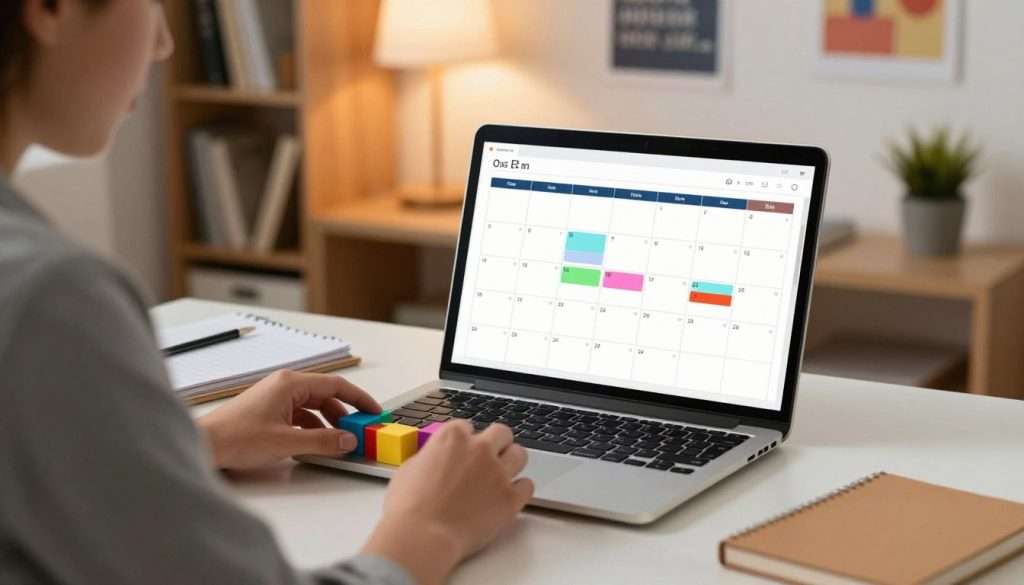
Start with a calendar you already use
Google Calendar is free for basic use. Paid work and school accounts add features, but you do not need them for basic time blocking.
Calendar events can include guests, locations, and conference calls. Tasks can have due dates and be marked complete. As of October 2026, repeating events support durations, but repeating tasks do not, so recurring events can hold routine study blocks.
Google Calendar added task time blocking in late 2025, with duration and visibility controls. Custom colors arrived in June 2026, with up to 200 labeled colors.
Some plans also offer Focus time, which can mute Google Chat alerts and automatically decline meetings. It is available on Business Standard, Business Plus, Enterprise Standard, Enterprise Plus, Education, and Nonprofits plans.
Time Insights is available on Business Plus, Enterprise Standard, Enterprise Plus, Education, and Nonprofits plans. These options are extras, not requirements for putting study time on a calendar.
Add a template or planner only if it helps
A time-blocking template can give you a ready-made layout for the day, week, or month. Smartsheet offers daily templates in 15-minute increments, weekly templates in 30-minute increments, and a monthly template.
Dedicated apps can combine tasks with calendars or place tasks into open time. Their features and prices differ, so consider what you need before adding another tool.
| App | Scheduling feature | Listed tier or price |
|---|---|---|
| Akiflow | Combines tasks and calendar blocks; gathers tasks from other apps | $19/month billed annually or $34/month |
| Morgen | Combines calendars and tasks from multiple services | Free Basic; Pro about $14/month in 2026 |
| Motion | Schedules tasks into blocks and reshuffles them when meetings change | Pro AI about $19 per user/month in 2026 |
| Reclaim | Schedules focus time, habits, and task blocks around meetings | Free Lite; Starter $12 per seat/month in 2026 |
| Sunsama | Guides daily planning and calendar task placement | About $20/month billed monthly or $16/month billed annually in 2026 |
Akiflow suits people who want tasks from several apps in one view, while Morgen brings multiple calendars and tasks together. Motion can move task blocks when meetings change, and Reclaim can place focus time around meetings.
Sunsama guides a daily planning process and calendar placement. Compare those features with how you work, rather than choosing by price alone. Choose a tool you will actually open, not the one with the longest feature list.
How Do You Keep Your Schedule Flexible?
A schedule that survives a late-running assignment is more useful than a perfect-looking one. Flexibility comes from planning for change, not pretending every task will take exactly as long as expected.
As a starting estimate, allow about 1.5 times your first guess for a task. Track how long your work takes, then adjust future blocks based on what you learn.
An essay may need more time when you are finding sources, while a familiar worksheet may take less. Your estimates will get more useful as you compare plans with real work.
- Move unfinished work to a later block instead of letting it spill into every task.
- Use a buffer block for a delay, an urgent email, or a task that ran long.
- Protect a real break instead of turning every pause into extra study time.
- Check whether an interruption is truly urgent before reshuffling the day.
A flexible plan still has anchors. Classes, shifts, appointments, and meals may not move, so shift the study work around those commitments first.
If every task seems movable, the calendar can lose its shape and make choices harder. Decide which blocks are fixed and which ones can shift before a busy day begins.
When one block slips, move the task and keep the rest of the day from collapsing around it.
How Can Students With ADHD Adapt a Study Schedule?
A short, visible plan can feel easier to start than a calendar packed from morning to night. For some students, a few clear blocks may be easier to use than a detailed schedule.
Time blocking is a planning tool, not a treatment for ADHD, and it will not work the same way for everyone.
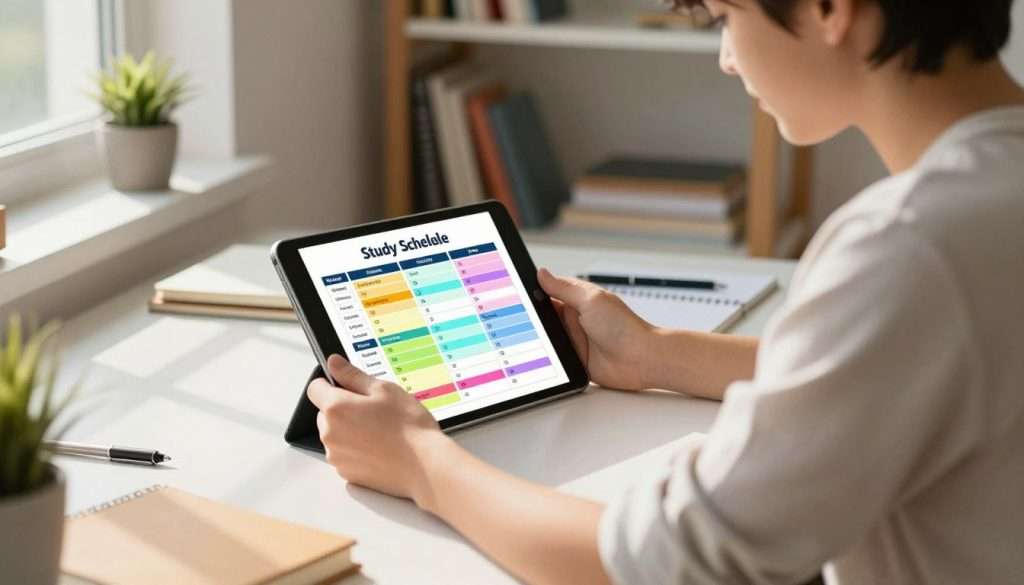
Start with a small visual plan
Begin with fixed commitments and only a few study blocks. A paper planner, wall calendar, or digital calendar can make the plan visible where you will notice it.
Track your energy patterns for one to two weeks before building a larger schedule. Note when starting feels easier, when focus fades, and which settings help you work.
A 2023 review found that adult ADHD time-perception studies were scarce and varied in design and methods. The studies looked at time estimation, time reproduction, and time management, with mixed findings.
Add extra time and transition space
Try adding 25-30% to a task estimate and setting 5-10-minute transitions between major blocks. These are options to test, not rules that every student with ADHD must follow.
Transition time can give you room to pack up, get a snack, or shift from class to homework. If the added structure feels crowded, use fewer blocks or shorten the plan.
Keep the version that helps you begin, and shrink or rearrange it if the schedule becomes another source of stress.
How Do You Know When to Adjust Your Plan?
Spend ten minutes at the end of the day deciding what moves and what stays. A brief review can turn today’s rough spots into a more useful plan for tomorrow.
Move unfinished tasks to a new block, then choose tomorrow’s first task. A digital calendar is enough to begin, and recurring events can protect routine blocks.
Use a 10-minute check to notice what fit, what slipped, and what needs a different time. Keep the review short so it does not become another assignment.
- What went as planned?
- Which task took longer than expected?
- What one change would make tomorrow easier?
Google Calendar or Apple Calendar can hold a simple schedule, so time-blocking software is optional. Repeating events can save planning time for regular classes or study sessions.
A book about time blocking is also optional for the basic method. A student-focused book can still help you build broader study routines and find techniques that fit your classes.
Use the review to change the plan, not to blame yourself for a busy day.
Let your next schedule reflect what you learned, not what you hoped would fit.
Conclusion
Start with one study block you can protect this week, then build from there. A few meaningful blocks can give important tasks a place without taking over your day.
Keep the plan adjustable. If a block keeps failing, change its time, size, or place instead of treating the schedule as a promise you broke.
Want to go deeper? If this article resonated with you, my free book How to Become the Smartest Student in the Classroom gives you a full system: memory techniques, study routines, and strategies that actually stick. No cost, no catch. Grab your free copy here: https://www.studyingmachine.com/free-books/.
Put that first block on your calendar today, and give yourself permission to revise it tomorrow.